
You can send a pdf copy of your booklet. There are two ways to do this. You can do this manually (in your back office, on the left click "view prospects" and you will see a "send booklet" button next to each prospect).
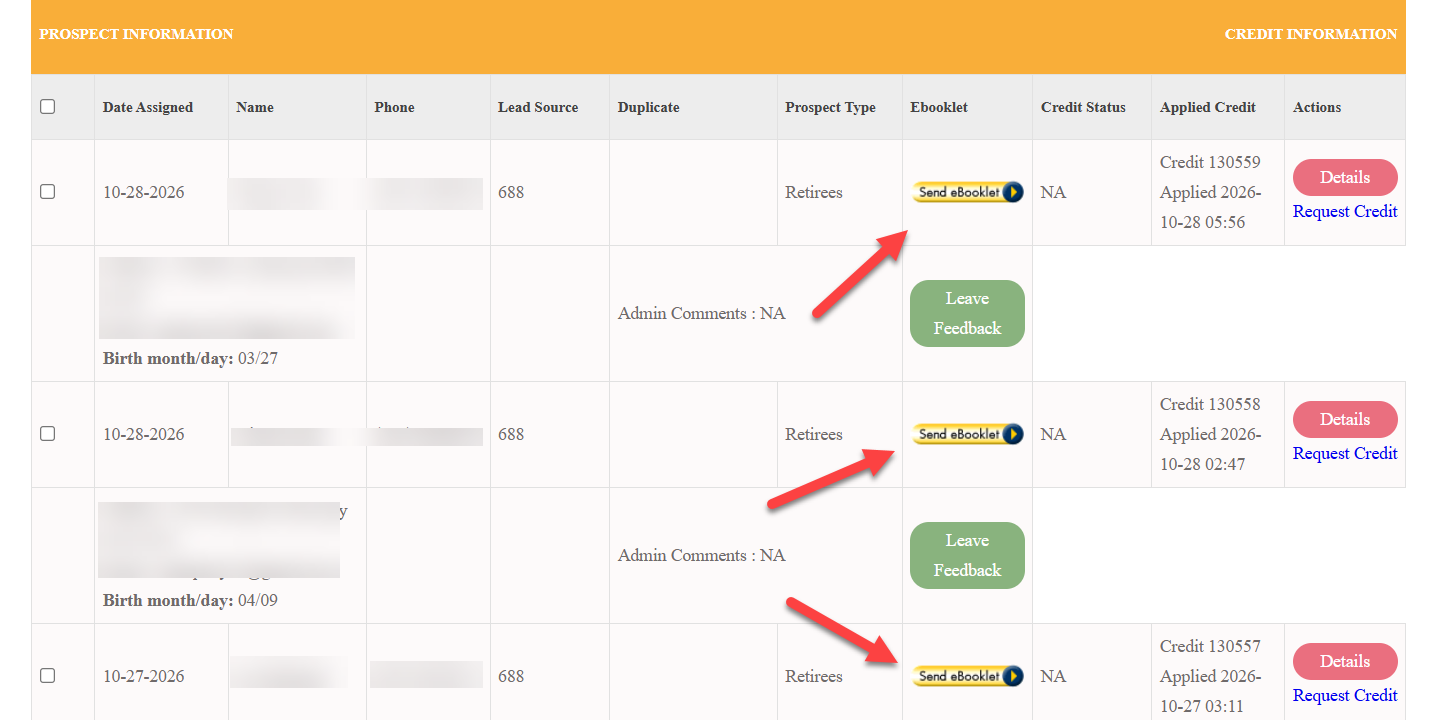
Or, you can set this to happen automatically every time you receive a prospect in your system, as described below.
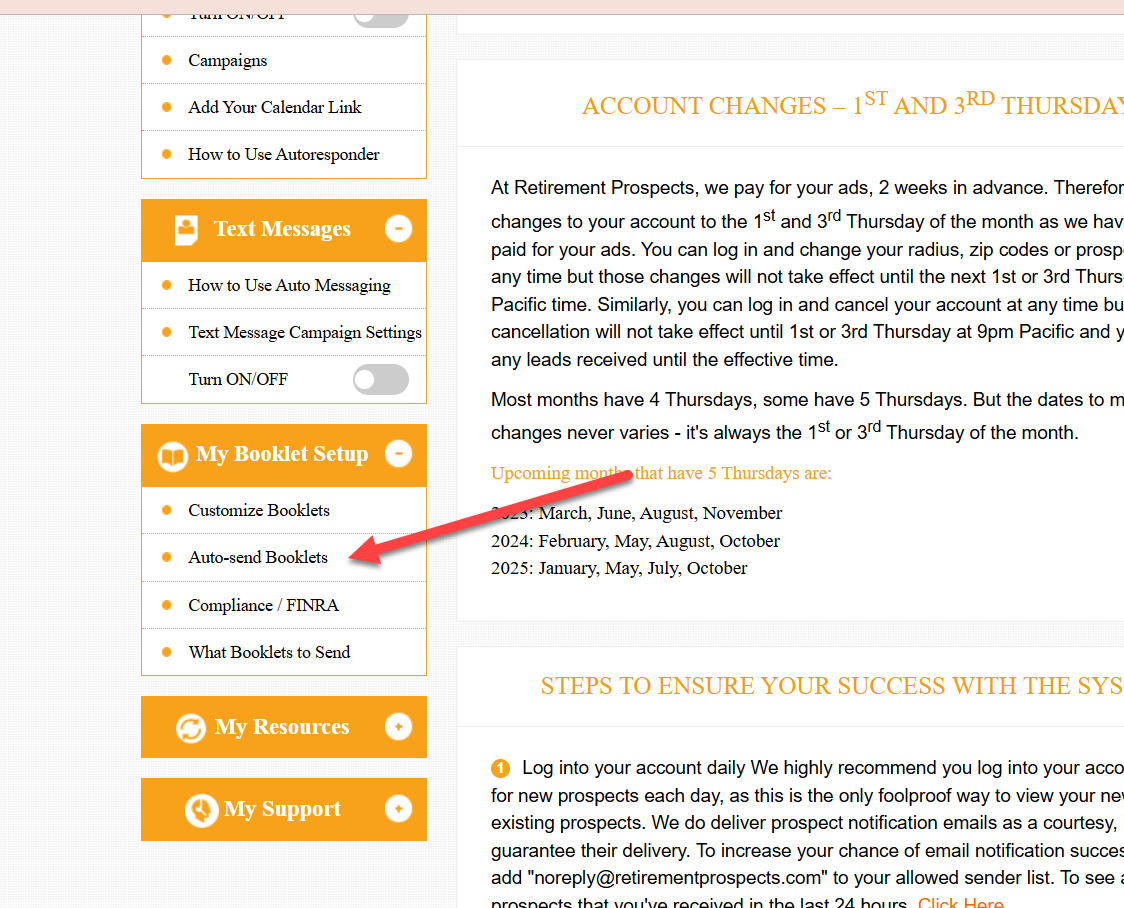
Log into your back office and on the left, click "autosend booklets"
Use of the electronic booklets is free for Retirement Prospects™ subscribers as long as you are registered. Optional: we r that you send each prospect a hard copy of the booklet via USPS, as this will have a greater impact on the prospect, and position you as a credible advisor.